My free Final Cut Pro X generator produces areas of colour with an opacity gradient.
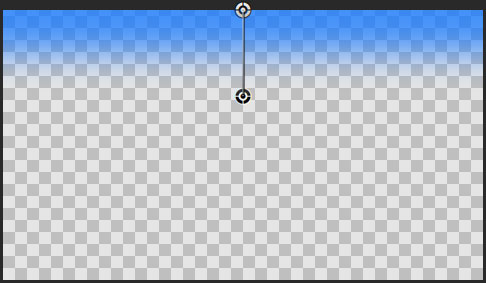
Here are the controls:


My free Final Cut Pro X generator produces areas of colour with an opacity gradient.
Here are the controls:
I’ve updated my Magic Lantern Compose Final Cut Pro X generator.
November update: The 10.0.6 update to Final Cut Pro X has broken these generators – they only work in 10.0.5. This is because the way motion templates handle drop zone clips has changed. Sorry!
Magic Lantern is a system for adding features to Canon DSLRs, Unified is a recent ML package enables some cameras to shoot footage that can processed to produce content with a larger exposure range – i.e. High Dynamic Range.
The files produced are made up of alternate frames of under- and over-exposed footage. The generators take these frames and give you better control over how these frames are combined.
For more information on Unified and Magic Lantern and the software to for your Canon DSLR, visit its home
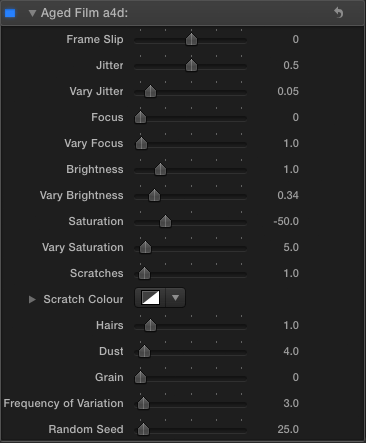
There is a version of Aged Film in Final Cut Pro X, but the version available in Motion has more controls. I’ve used that as the basis of Aged Film a4d:

Here are some two examples of different looks using the effect:
Here are the controls:
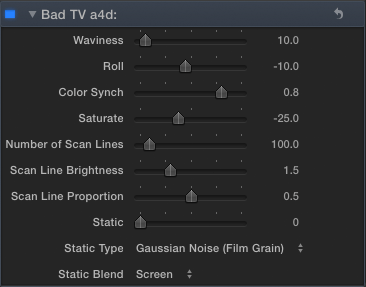
There is a version of Bad TV in Final Cut Pro X, but the version available in Motion has more controls. I’ve produced Bad TV a4d:
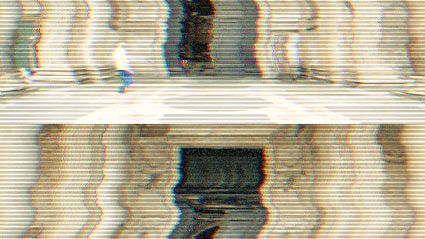
Here are some examples of different looks using the effect:
Here are the controls:
As Prometheus is coming out this week I thought I would make a title effect that recreates the computer interaction scenes from the 1979 film Alien:
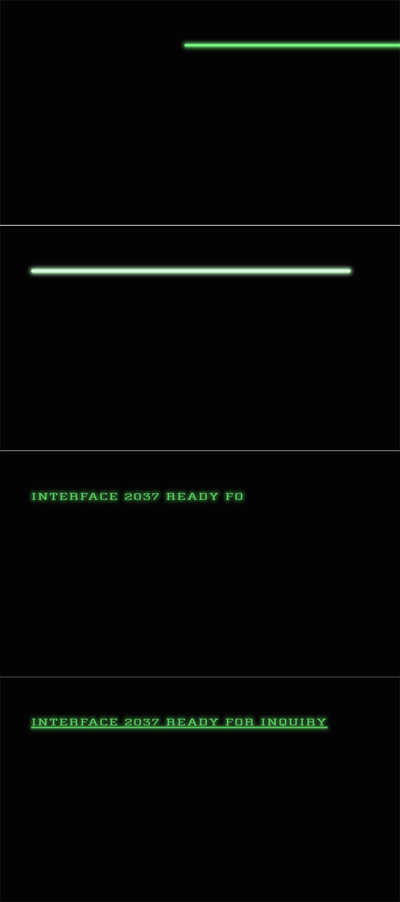
Here’s what it looks like in action:
Here are some more Final Cut Pro X effects based on those available in Motion 5.
Black Hole

Your clip is dragged to a single point.

1. Default settings
2. Different control point, Amount: 700
Bulge
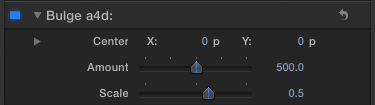
Your clip is pushed to or from a point.
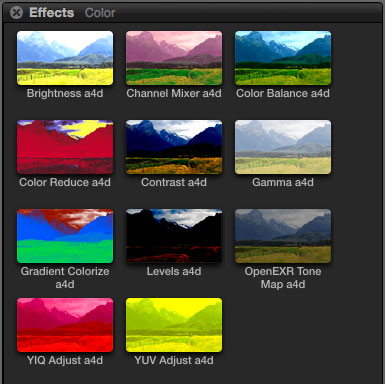
Following on from the blurs collection, here are some more Motion effects published for use in Final Cut Pro X – this time it’s the colour modification effects.
This Final Cut Pro X title generator helps you apply effect, opacity and transformation changes to multiple clips at once.
It is named after a feature of Adobe After Effects – a compositing application that is used to animate graphics and video. If you have twenty or thirty layers in a project, if you an ‘adjustment layer’ above them, any effects applied to the layer are applied to all the layers below at once.
‘Alex4D Adjustment Layer’ is a title generator works in the same way in Final Cut Pro X. Once you add it to a project any changes you make to the title are applied to all the layers below. If you add a blur effect, all the layers below are blurred. If you use the transform controls to change the scale and position, the combined result of what the lower layers look like will be repositioned and have their scale changed.
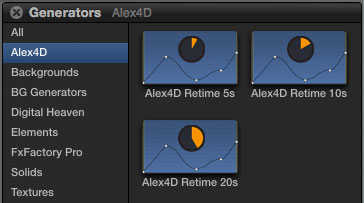
These effects give you more control over how you change the playback speed of clips in Final Cut Pro X. They are a set of generators that give you animation graph control over which frame is being displayed of a source clip.
November 2012 update: The 10.0.6 update to Final Cut Pro X has broken these generators – they only work in 10.0.4 and 10.0.5.. This is because the way motion templates handle drop zone clips has changed. Sorry!
March 2013 up-update: I’ve created an effect that replaces these generators for Final Cut Pro 10.0.6 and newer. Go to its post to find out more.
Once installed, the three generators appear in the Alex4D section of the Generators browser:
These effects improve on my first Final Cut Pro X effect, ‘Mask 8 Points.’
The current version of Final Cut doesn’t allow keyframing of mask shape co-ordinates in effects. These effects (which come in 4, 8 and 16 point variants) add transform controls to the mask (like my 8-point matte effect for Final Cut Pro 7).
The default effect:
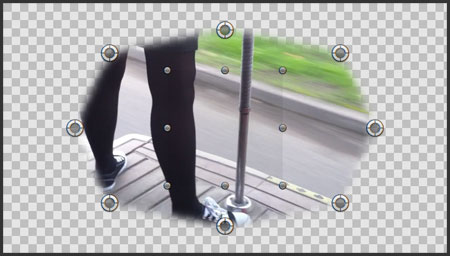
With the mask points scaled, repositioned and rotated:

Drag the transform control to reposition the mask, drag on an edge to scale, drag on a corner to rotate.
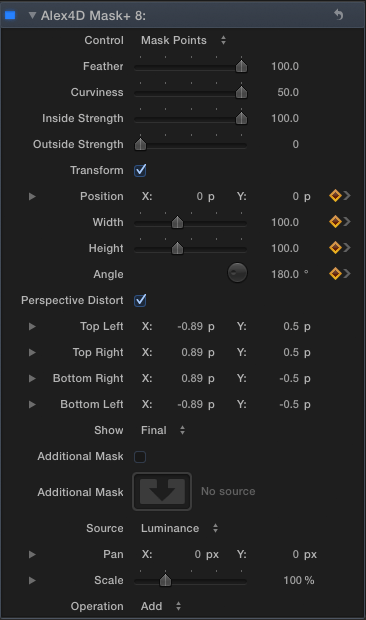
Here are the controls:

 alex4D old blog